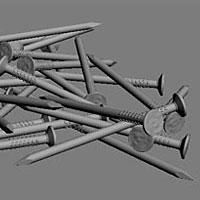
Nails – Rusty material and V-Ray Lens effect.
LESSON #17: In this lesson we will simulate rusty material, use cutout filter for perfect bump effect and learn how to use V-Ray Lens Effect to add a photorealistic bloom.
Learn from this Lesson >
LESSON #17: In this lesson we will simulate rusty material, use cutout filter for perfect bump effect and learn how to use V-Ray Lens Effect to add a photorealistic bloom.
LESSON #16: In this lesson we will talk about create global lighting with an Hdri, basic metal chrome for Nails, fix black splotches and how to create amazing highlights with a V-Ray Light.
LESSON #15: Placing objects randomly is really time consuming, and also it isn’t artistic. So we need to find a way to do it as fast as possible: we can easily do it with RayFire.
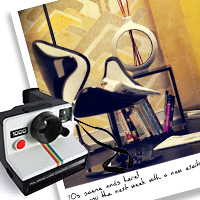
STEP 5: There are many ways to get this result, but in my experience the best and professional way I know to reach this kind of look is resumed in two fundamental steps. Follow the video and the vintage look is garantee.
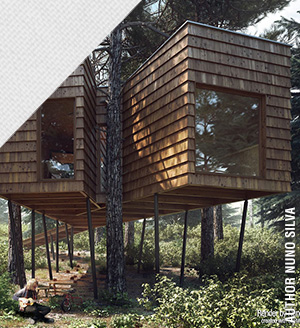
STEP 4: After Light Balance and Materials let’s add Dof. In this lesson I’ll show you with videos and slides how to add dof effect and the settings for the Final Render.