Archive : 3ds Max Tutorials

RSS feed
How to get a nice depht of field

How to get a nice depht of field

I really hate to talk about options and parameters. ( For this reason I prefer to give away files to download! ) Understanding through the parameters seems to me a great bullshit. It’s necessary to deeply understand things, then just apply to the software. That’s because 90% of this article...
8
A simple Greeble tutorial

A simple Greeble tutorial

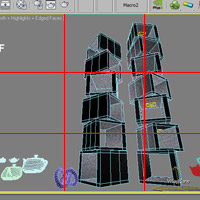
Greeble is a nice & free plugin and I invite you to visit this amazing Greble gallery! It is easy to use but it has a strong impact on your scenes increasing considerably object details with a few clicks. Greeble instalation: so easy! (-: Download the plug in from official the site open the zip...
0
How to get a perfect displacement map

How to get a perfect displacement map

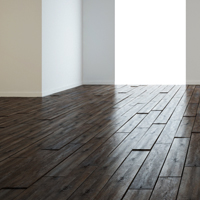
You need to render a rock surface and you just have a diffuse map. ( Look here for Free Textures! ) How to convert it in a useful displacement map? Most of times you open the texture in photoshop and work it in order to get your displacement map. But often we just get really rought surfaces. How to...
9
Tutorial Reactor: Simulation of physical objects

Tutorial Reactor: Simulation of physical objects

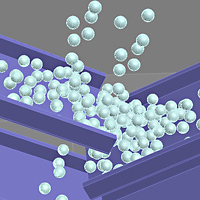
Have you ever placed objects in quite casual in a scene? Coins on a table, marbles in a container, even the rocks along the beach… it’s a quite boring and hard work. In such cases, you first – reaching best results – using the physical simulation. The Physical simulations are...
Filed in: 3ds Max Tutorials
0
How to create more than 6 materials in 3ds Max

How to create more than 6 materials in 3ds Max

[ 3ds max tutorial ] – If the Material Editor appears limited and you do not know how to create other materials, read this post … it takes just 5 minutes, but everything be more clear! (-: If you open the material editor (shortcut = M) you’ll see just 6 slots to create materials. Of...
Filed in: 3ds Max Tutorials
5
© 2008 Cg Blog. All rights reserved.
Proudly designed by Theme Junkie.