
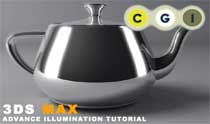
 Even if very often I like to write about Vray or Maxwell don’t forget that 3ds max has a feature called “Advanced Illumination“.
The net is quite plenty of V-ray tutorials, so I like to mark this interesting tutorial, wrote by the Cg Artist Mario Malagrino, about Advanced illumination in 3d studio max.
The subject is the usual and famous teapot, perfect as an object test… and the technic simulates the illumination techniques of a photo studio.
As I often write the classical method is of the best way to get beautiful lighning in your renders.
If you are interested in photo studio loghtning have a look at Digital studio with V-ray
 / Also Learn Corona Renderer

